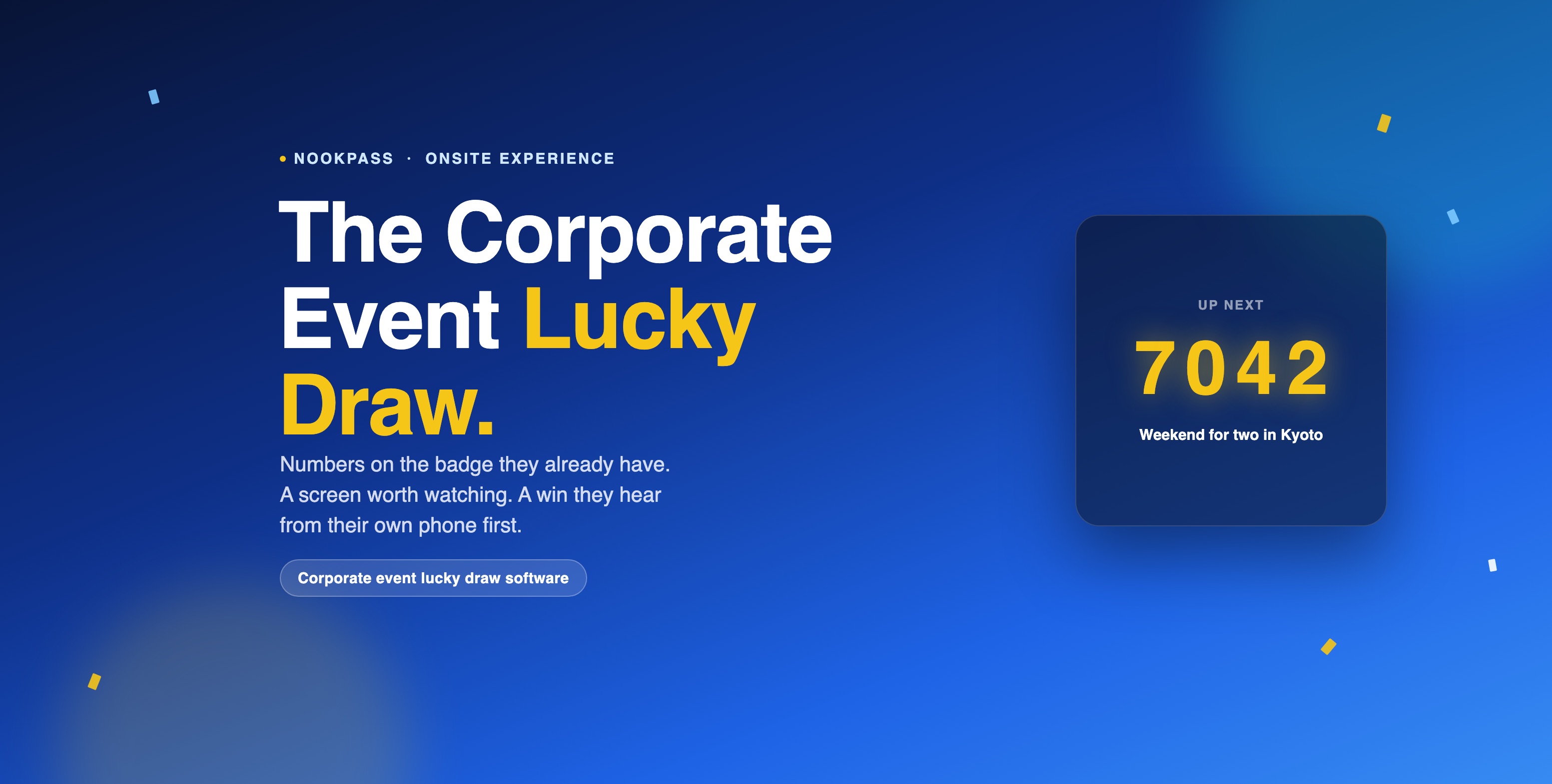
Every corporate dinner, roadshow, and townhall eventually gets to the same moment: the lucky draw. And most of them still run it the same way — a bag of torn ticket stubs, an emcee reading numbers off a printed list, and a spreadsheet somewhere that's supposed to be tracking who already won. It works, in the sense that someone eventually gets a prize. It just doesn't look, or feel, like the rest of a polished event.
The problem is logistics, not luck
A paper-stub draw fails in small, familiar ways. A stub gets left in a blazer pocket. Someone's name is called and the room waits while they dig through a bag. Nobody is quite sure if the guy at table nine already won once. And the "screen" is usually a spreadsheet cell blown up on a projector, in a font nobody chose, next to a company logo nobody sized properly.
None of that is a people problem — it's a tooling problem. The ticket is disconnected from the guest list, the draw has no memory of who already won, and the display was never built to be looked at. NookPass Lucky Draw fixes all three by starting from the one thing every attendee already has: their badge.
Every checked-in guest is already in the draw
There's no separate ticket to print, hand out, or lose. A lucky number is issued straight onto the badge record created at registration, so "assigning numbers" is a button, not a printing job — hand them out one at a time or to the whole eligible list at once, and the count of who still needs a number is tracked for you as you go.
The numbers themselves are yours to shape: pick a style, a length, and an
optional prefix, so NK-4821 and 4821 are both on
the table depending on how formal the event is. Change the format mid-event
if you like — numbers already handed out simply keep the shape they were
created with, nothing already issued gets invalidated.
Not another random name picker
Search for a lucky draw tool and most results are the same thing wearing different skins: upload a spreadsheet, press spin, done. That's fine for a Friday afternoon office giveaway. It falls apart the moment you need the draw to know who actually checked in, stop someone from winning twice across a multi-day event, or look like part of the event instead of a browser tab someone found five minutes before doors open.
NookPass Lucky Draw isn't a picker you feed a CSV. The entrant list is already live — the same badges your registration and check-in are running on — so there's nothing to export, upload, or keep in sync by hand.
Rules that make it fair, set once
A raffle box has no memory. NookPass does — as a set of rules you configure before the draw starts, not judgment calls an emcee makes on stage.
- Who's eligible. Everyone with a badge, or only attendees matching rules you set — useful when a prize is scoped to one ticket type or one day of a multi-day event.
- How often one person can win. Cap it at one prize per person, or leave it open. Toggle whether a winner stays in the pool for later prizes — off is what most hosts actually mean by a "fair" draw: one prize each, and the rest of the room keeps its odds.
- Whether a no-show can win. Restrict the draw to attendees who have actually checked in, so a prize never goes to a badge that never walked through the door.
Set it up once before doors open, and every draw for the rest of the night runs inside those rules automatically — no one has to remember them under a spotlight. Here's that same settings screen — try switching the draw on and changing who's eligible.
A draw screen that looks like the rest of your event
This is the part a spreadsheet can't do. The draw screen ships with a set of built-in looks — Midnight, Gala gold, Aurora, Sunset, Emerald, Mono, or fully custom colors — and a choice of layouts, from a single giant number (Spotlight) to a photo-and-number split screen (Split) to a scrolling prize board between draws (Board). Roll duration, landing style, and roll speed are all adjustable too, so a formal gala can run a slow, readable 30-second reveal while a fast-paced roadshow keeps it to three.
Try the reveal below the way it plays on the big screen — a number rolling to a stop, left to right, before the prize and winner appear.
Every string on that screen is yours to rewrite, too — down to what it says before a prize is set up, what it says while it's rolling, and what it says beside the QR code. None of it is hardcoded English baked into the product, which matters the moment your event isn't only in English.
Four links, and only one of them can draw a winner
Running the draw and watching the draw are deliberately different permissions, handed out as four separate links:
- Host console — the only link that can trigger a draw. It's meant for one person's phone, and it says so: this link is the grant itself, so it's never the one you put on a shared screen.
- Draw screen — watches only, safe to leave open on an unattended laptop plugged into the projector.
- Winners board · TV — every winner so far, sized for a screen in the foyer, scrolling itself.
- Winners board · phone — the same board with a search box, shareable with attendees directly.
Each one is its own QR code, so nobody types a URL off a slide — they scan it, on their phone or the TV, and it opens the right view with the right permissions already attached.
The winner hears it from their own phone first
On the big screen, a win is a show. In the attendee's pocket, it's quieter — their app already knows their lucky number, and it tells them the moment they've won without anyone needing to say their name into a microphone.
Your lucky number
7042
You must be in the room to be eligible for the lucky draw.
You won
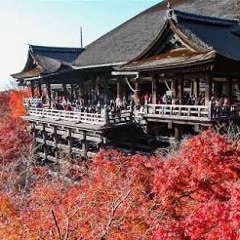
Weekend for two in Kyoto
Collect your prize at the registration desk.
Prizes
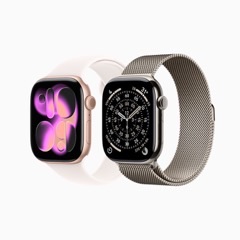
iWatch
1 leftWhere this fits
Lucky Draw runs on the same badge and check-in data as everything else in NookPass — the numbers are only real because the guest list, and who actually walked in, already were. If you're weighing NookPass for a dinner, townhall, or roadshow, this is one more reason the app earns its place before the event even starts: see how NookPass fits a corporate event end to end.
Do we need extra hardware for this?
No. The draw screen runs in a browser on whatever you're already projecting from, the host console runs on a phone, and the winners board works on a TV or a phone alike. Nothing to install.
Can we run more than one draw across a multi-day event?
Yes — numbers, rules, and the "already won" state persist for the whole event, so a draw on day one and a bigger one on day three respect the same fairness rules without you resetting anything in between.
What if we only want it for VIPs, or one ticket type?
Scope eligibility to attendees matching rules you set, rather than everyone with a badge — the rest of the draw works exactly the same way.
How is this different from a free random name picker or spin-wheel generator?
Those tools start from a spreadsheet you export and upload. NookPass starts from the guest list and check-in data already sitting in the platform, so there's nothing to keep in sync, no duplicate entries from a stale CSV, and the draw screen matches the rest of your event instead of a generic template.
Can it guarantee winners aren't repeated?
Yes. With "winners stay in the draw" switched off — the default — anyone who wins is automatically removed from later draws for the rest of the event, no manual list-editing required.
How much does Lucky Draw cost?
Lucky Draw is available as an add-on to NookPass. Get in touch for pricing based on your event size and how many features you need.
Give your next event a draw worth watching
Lucky Draw is an add-on for NookPass — badge-linked numbers, a branded screen, and rules that hold up under a room full of people.
Request a demo